
Snap your contract
Photo in. Every deadline out. About 20 seconds.
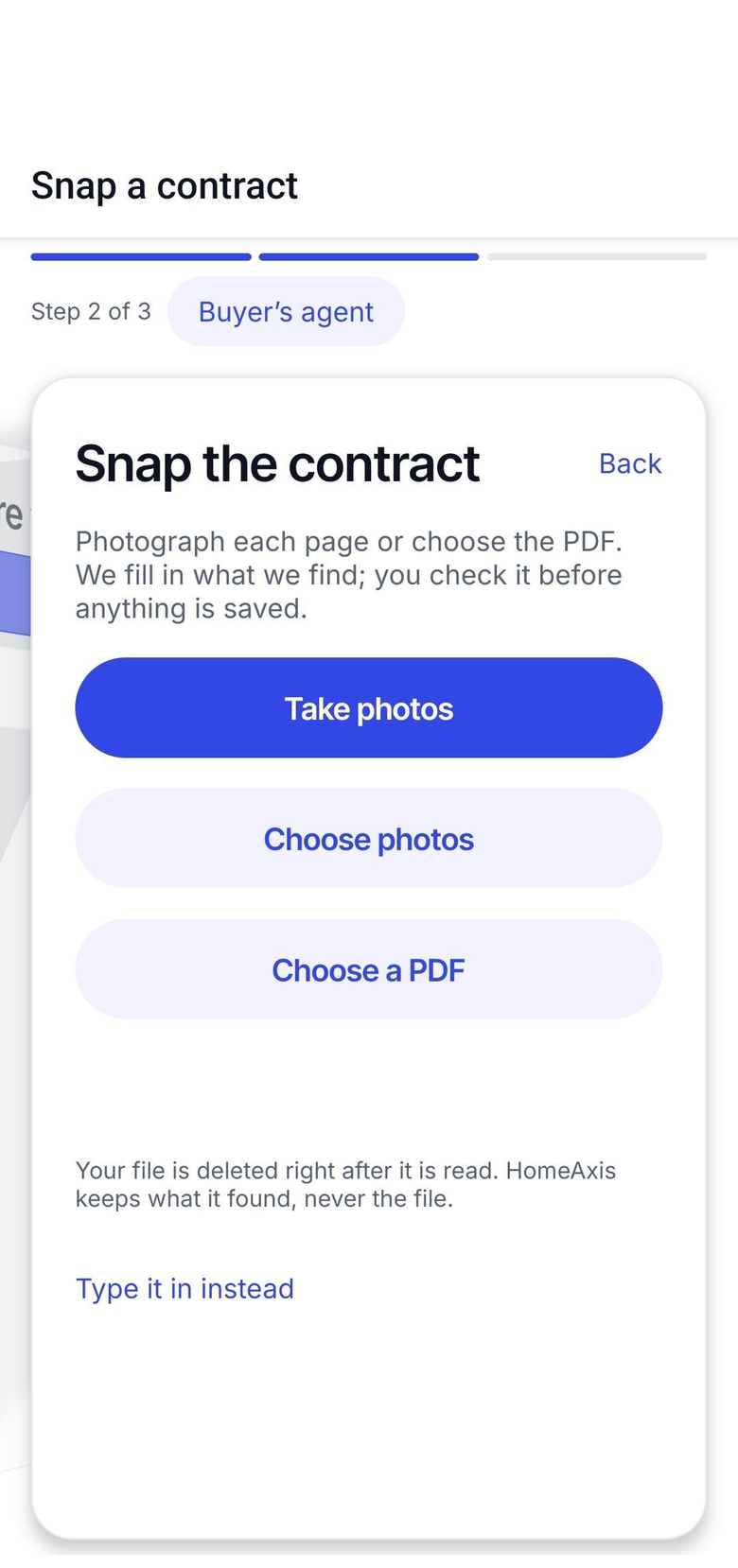
You just got the signed contract back. Instead of typing six dates into a checklist, photograph it. HomeAxis reads the dates, builds every task on the right day and drafts your first text to the client.
No card. Works on iPhone, Android and the web with one account.
What happens in those 20 seconds
You snap or pick the file
Camera, camera roll or the PDF from your email. Amendments too.
HomeAxis reads the dates and parties
Offer acceptance, inspection, P&S, commitment, appraisal, closing. The address. The names. It shows you all of it on one screen; fix anything, then save.
The playbook is dated and the first text is drafted
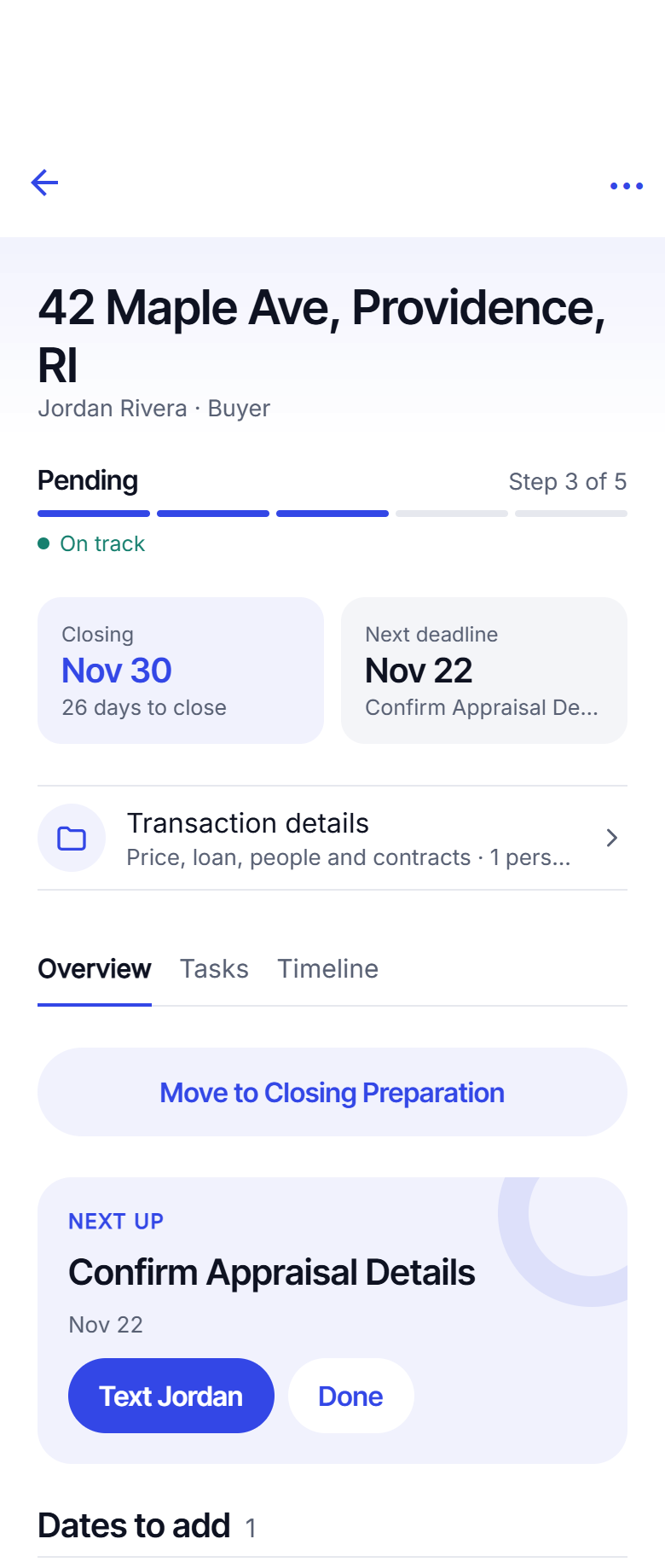
Every task lands on its day, counted from your dates. The update to your client is waiting on the first task. You tap it, Messages opens, you tap Send.
An amendment moves closing. Snap it, and the tasks move.
Re-dating is the part everyone forgets
An extension lands on Thursday and half of your reminders are now wrong. Snap the amendment and HomeAxis changes the dates it names and moves every task that hangs off them. Tasks you already finished stay finished. Tasks you deleted stay deleted.
You can also change any date by hand on the deal, with the same result.
Built so you stay in control
You confirm before anything is saved
Every date it reads is shown to you first. The tasks come from what you confirm, not from the photo.
Nothing is sent for you
The drafted text waits on the task. It goes from your own phone, your own number, when you tap Send.
Included on every plan
Snap your contract works on your 2 free deals and on every plan after that. There is no add-on to buy.
Questions agents ask
What can I snap?
A photo of the signed contract from your phone camera, a photo already in your camera roll, or the PDF from your email. One page or the whole document. Amendments and extensions work the same way.
What does it read?
The dates a deal runs on: offer acceptance, inspection, Purchase and Sale, mortgage commitment, appraisal and closing. The property address and the parties. It shows you everything it found on one screen so you can fix a date before anything is saved.
What if it reads a date wrong?
You see every date before you save and can change any of them. The tasks are built from what you confirm, not from the photo. You are responsible for checking the dates against your contract.
Does it check signatures?
It warns you when a signature line on the contract looks blank, so you can chase it before the deadline that depends on it.
What happens to the photo?
It is read, the dates come back, and the photo is not kept on HomeAxis servers. Keep the contract itself in your own Drive, Dropbox, OneDrive or iCloud and paste the link on the deal.
Keep reading
Snap your next contract.
Your first 2 deals are free, no card.
Start free: 2 deals, no cardAlready have an account? Log in. Lead a team or run a brokerage? See offices.